Separate the server icon, member avatar and banner
These placements have different requirements. Discord lists animated server icons at Boost Level 1, static banners at Level 2 and animated banners at Level 3. Check the server’s active benefits before commissioning assets.
A personal subscription does not establish what a server supports. Member avatars use account options. Name the exact placement in your brief rather than requesting only a “Discord logo”.
Simplify the symbol for a small icon
Prefer a compact monogram or symbol. Long names, taglines and fine details merge in the sidebar. Leave margins so cropping does not damage the silhouette.
Compare the mark on light and dark backgrounds and at its actual display size. If recognition depends on a glow or texture, improve the still version before adding movement.
Example: an illuminated outline returning to rest
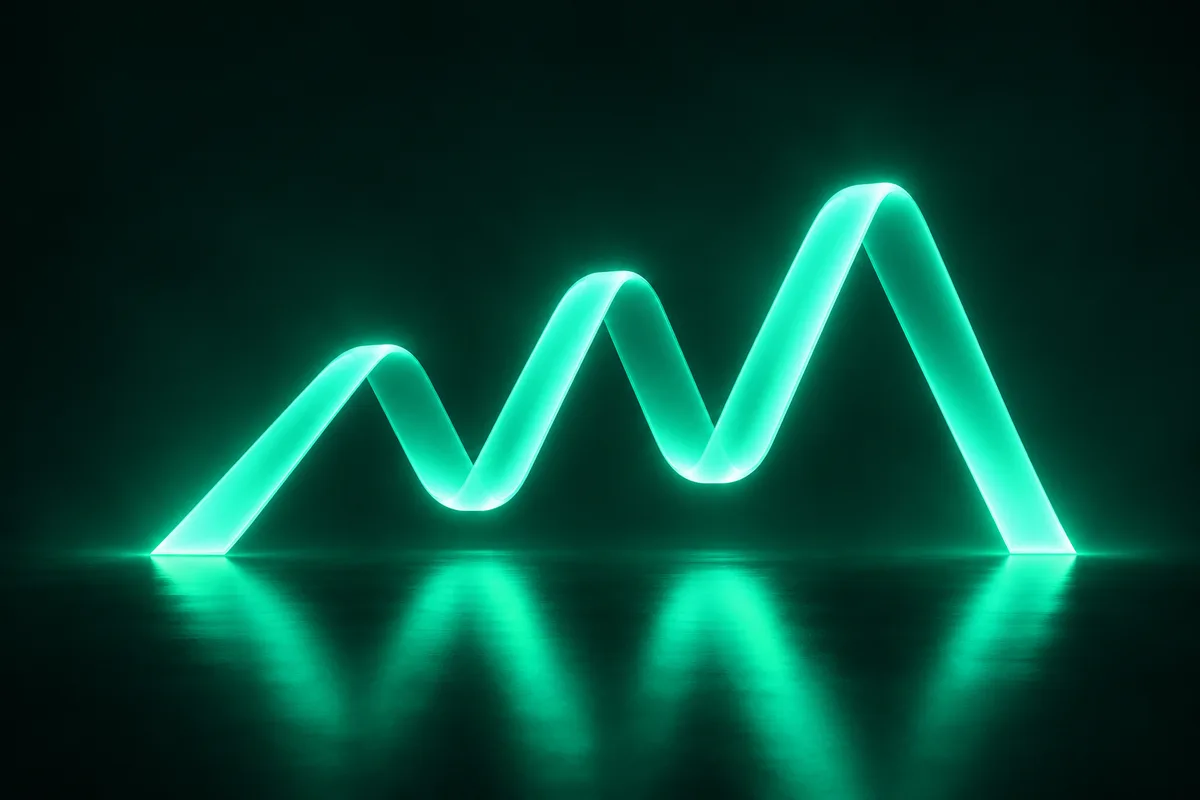
For a community with a nocturnal visual identity, an outline can brighten around the monogram and settle to a gentle glow. Both the opening and closing frames retain the symbol, so the loop never starts empty.
The Pulse study illustrates an outline reveal. A quieter community could use a slight scale change or a minimalist assembly. Avoid flashes and repeated distortion of the name.
Check the GIF inside Discord
- Prepare a square canvas with a recognisable opening frame.
- Export a GIF with a palette that preserves clean edges.
- Check file size against the limits shown during upload.
- Inspect cropping and playback in the server.
- Keep a still PNG for contexts without animation.
GIF transparency cannot preserve every soft edge. A controlled background may retain a glow better than a cutout with rough borders.
Make the banner complement the icon
The banner offers more room, but the server name must remain readable. Discord recommends background imagery without added logos or text. Extend the identity through its colours, materials or patterns instead.
Create separate compositions: an icon focused on the symbol and a banner that establishes an atmosphere. Stretching the square GIF into a wide image rarely produces a balanced result.
Build a useful community kit
Your kit might include an animated icon, a PNG version, a banner suited to the server’s features and a video signature. List the placements you actually use in the project brief.
For a streaming community, connect this identity to the Twitch screens. Keep the same logo while adapting timing, framing and delivery files to each role.
Approve the still icon in its actual position first. Animation should enrich an identity that already works.
Continue the comparison
See the movement in practice
Fictional identity · CSS/SVG motion study. This demonstration illustrates a movement, not a downloadable file in the format discussed.
Useful questions
Can every Discord server use an animated icon?
Availability depends on the server’s active benefits. Check Boost settings and upload options; a delivered animation does not unlock the feature.
Why should the first frame show the logo?
Playback may stop or not start in a particular viewing context. A recognisable opening frame keeps the server identifiable.
Sources and further reading
Official resources reviewed on 26 November 2026. Interfaces and access conditions may change.