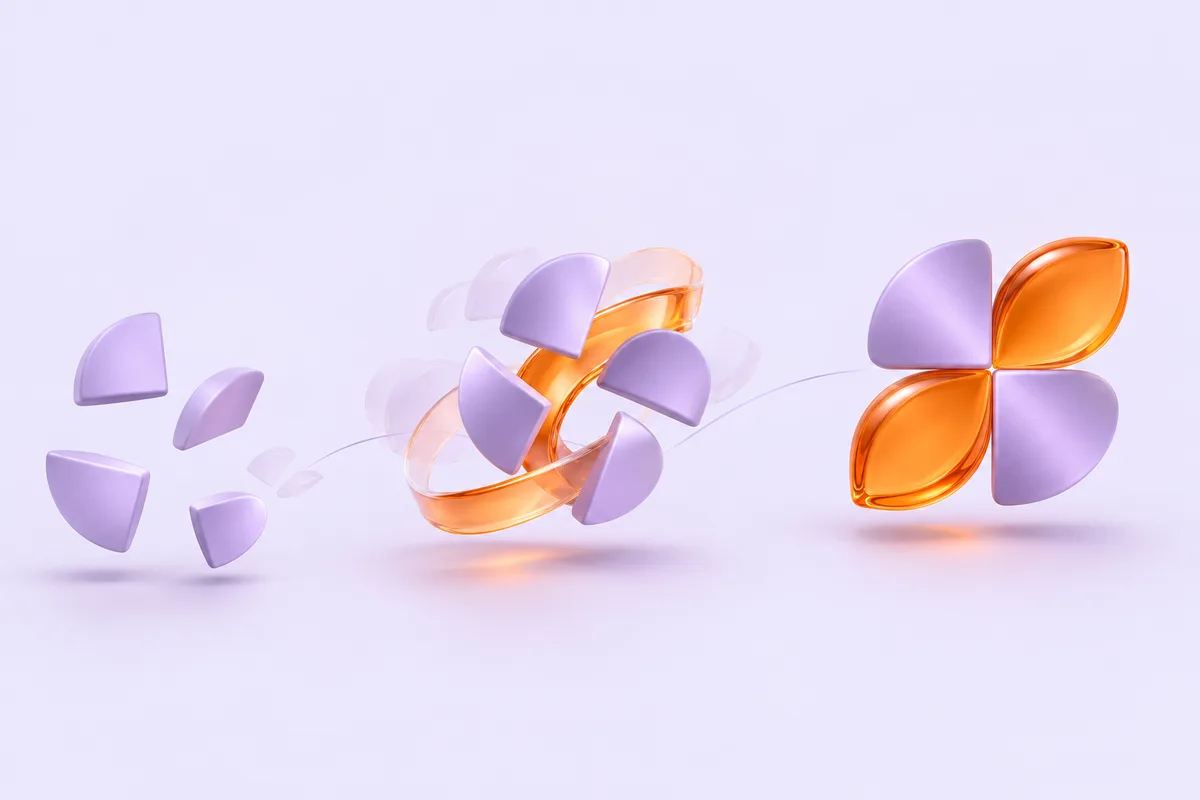
Put the brand inside the content
In a product demonstration, introduce the symbol as the product appears. In a recurring advice series, reuse a signature beside the title or across a cut. An outro can close the video, but should not carry the entire identity on its own.
TikTok’s advertising guide advises creators to get to the content and avoid long logo intros. That is not a universal duration rule for every post: our creative starting point is a short gesture followed by a stable brand mark.
Example: a signature that follows the demonstration
- The opening shot shows the result or the question.
- A shape from the logo follows a product movement and joins the symbol.
- The name settles in a clear space while the demonstration continues.
- The ending echoes the opening colour or gesture if a loop is useful.
This is a storyboard suggestion. A calm identity may suit a minimalist reveal; an energetic edit may use a 2D transition. Choose the movement around your artwork.
Compose vertically and leave room for captions
Prepare a vertical 9:16 composition and inspect it in TikTok’s preview. Captions and interface controls occupy part of the picture. For an ad, check the safe zones for its actual placement.
Test with the real captions and footage. A mark that reads on an empty canvas may disappear over a busy scene. Light and dark variants help avoid adding a large background panel to every shot.
Synchronise motion without depending on sound
A sound accent can reinforce the logo gesture. Protect the voice and deliver a silent version for reuse. The name must remain understandable with the sound off.
For a loop, review the picture and audio at the join. A final frame that differs sharply from the opening creates a jump; a movement that returns to its starting position can make the repeat smoother.
Prepare files for the edit
- A vertical signature with a background for direct insertion.
- A transparent master when the logo overlays footage.
- A still image plus light and dark variants.
- A silent version with clear file names.
Use MP4 for the finished video. A master with alpha belongs in the editing workflow before that export. Review the published video on a phone to inspect compressed edges.
Brief a custom TikTok adaptation
Supply the source logo, a representative video and the proposed placement. Specify whether you need a series identity, a product reveal or a closing signature. Use the custom animation brief to define these variants.
For Instagram, keep the same gesture but check placement separately. A shared vertical ratio does not guarantee identical framing around the interface.
Edit the video before fixing the signature duration. Reduce its presence if it delays the demonstration or covers captions.
Continue the comparison
See the movement in practice
Fictional identity · CSS/SVG motion study. This demonstration illustrates a movement, not a downloadable file in the format discussed.
Useful questions
Does this replace a TikTok profile picture?
This guide covers a logo embedded in video. Profile elements have their own options; keep a still image of the identity too.
Does every TikTok need a logo intro?
No. A signature within the demonstration or a transition can identify the brand without adding a separate opening sequence.
Sources and further reading
Official resources reviewed on 26 November 2026. Interfaces and access conditions may change.